
The song that’s on, right where you look.
Connect Spotify, Apple Music or SoundCloud, and the closed notch shows the album art on one side and bars that move with the music on the other.

Eave is a notch app for macOS that turns your MacBook’s notch into a small hub.
It lives in your menu bar. Glance up for the song that’s playing and how much of your Claude Code session is left. Hover, and it opens into spaces you arrange yourself.
Connect Spotify, Apple Music or SoundCloud, and the closed notch shows the album art on one side and bars that move with the music on the other.

Press volume or brightness and the notch shows it instead of macOS’s box.
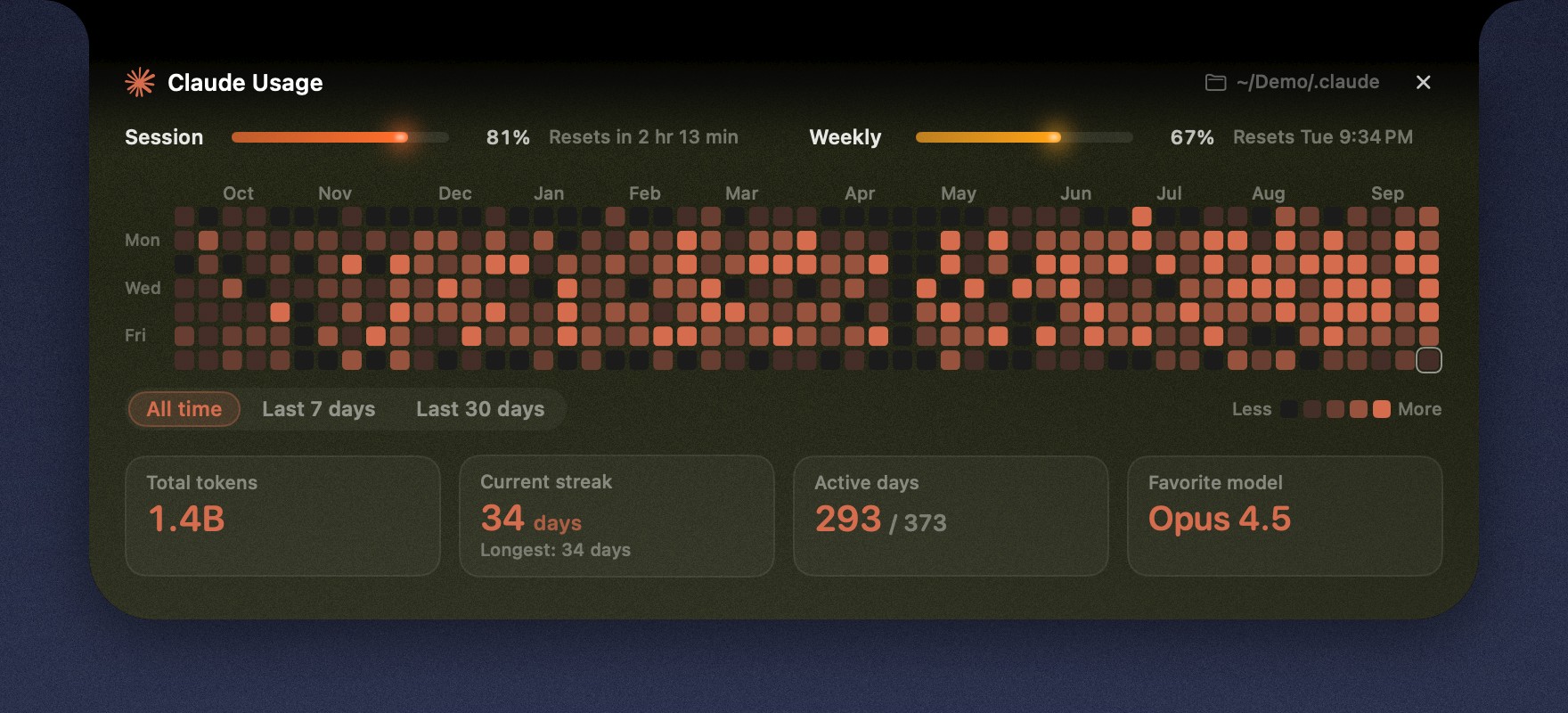
A small ring shows how much of your session is used. Eave also keeps a year of your activity as a heatmap, one square a day.
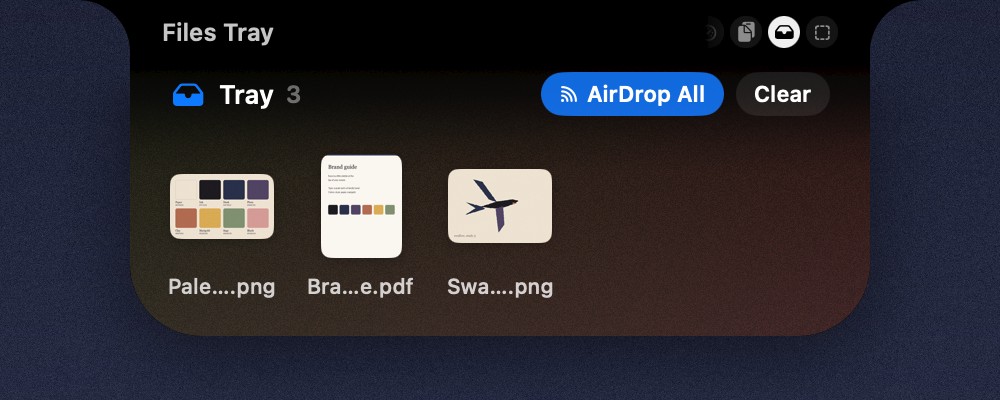
Drag files up to the notch to keep them close, then drag them out wherever they’re needed, or AirDrop them in one move.
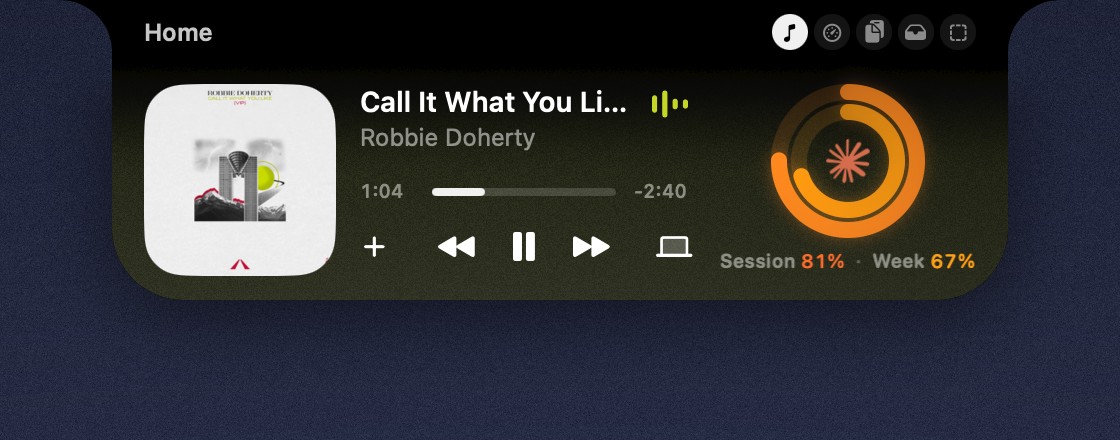
Each space is a small grid of widgets you place yourself, in the sizes you like.
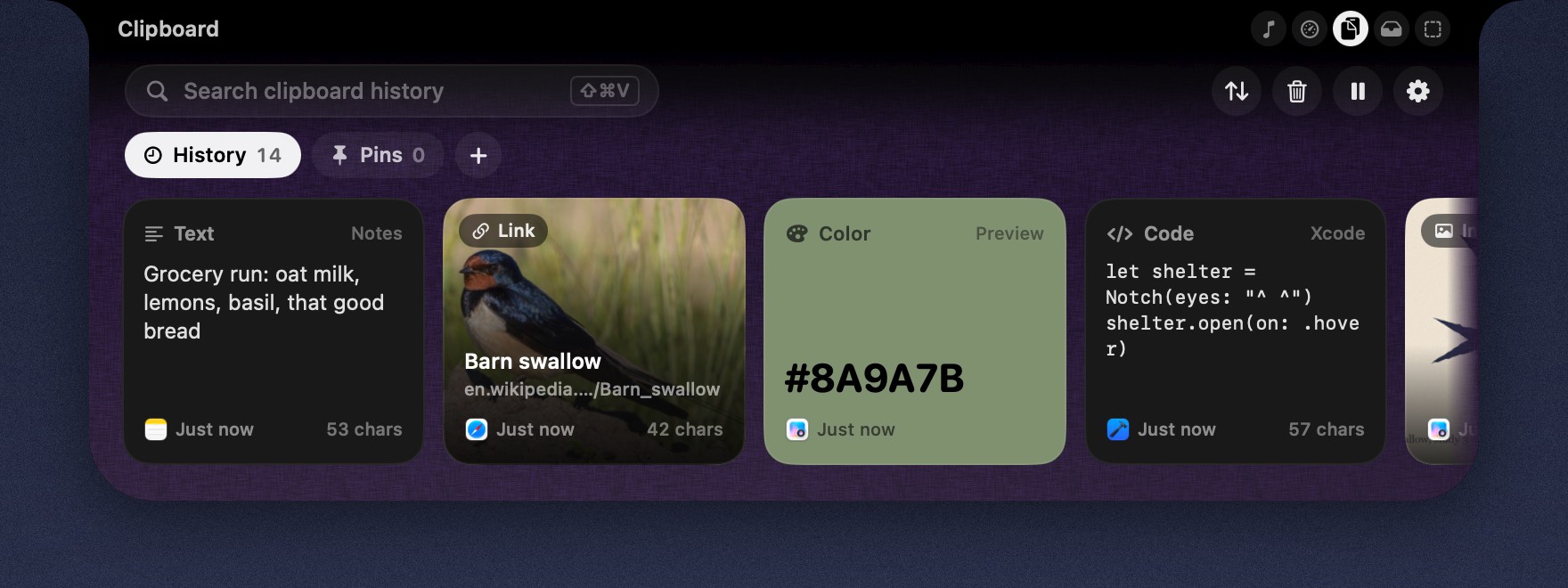
Text, links, colors and images, kept in order and one swipe away. Copies from password managers are never read.

As the lock screen fades, the notch opens a little and writes hello, with your name if you like, in a handwriting drawn just for Eave.